In theory, it sounds simple:
You have a beautiful leather sandal
A clear visual aesthetic
And the tools to bring it to life in a styled campaign
In practice? Welcome to the AI image generation maze.
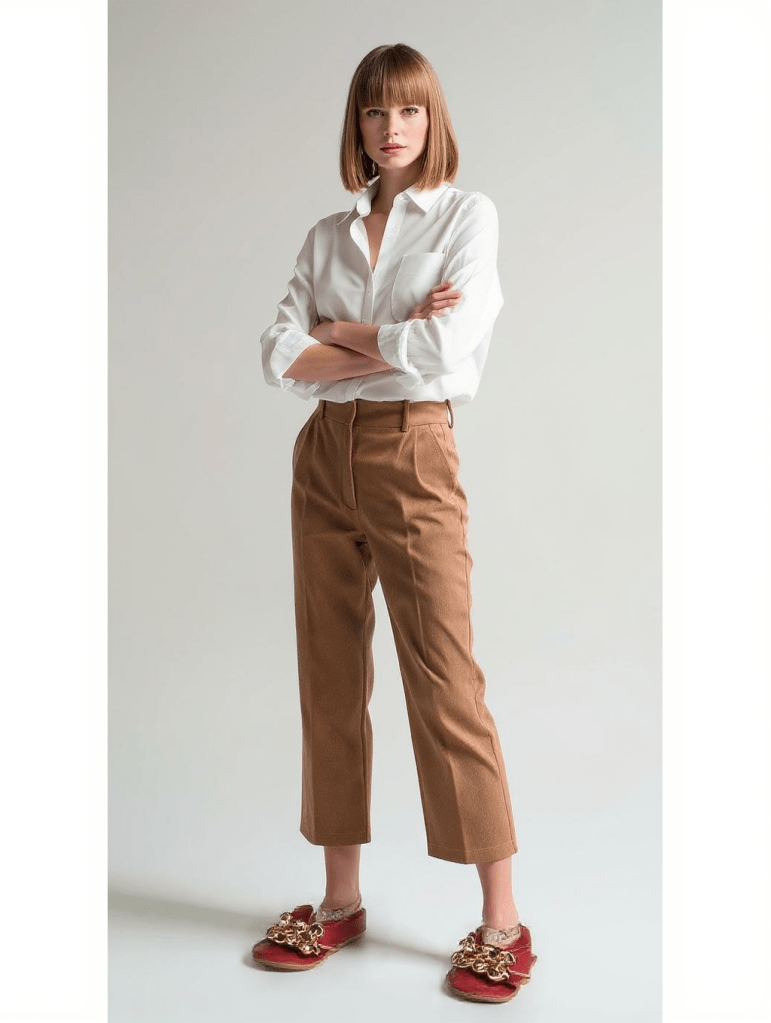
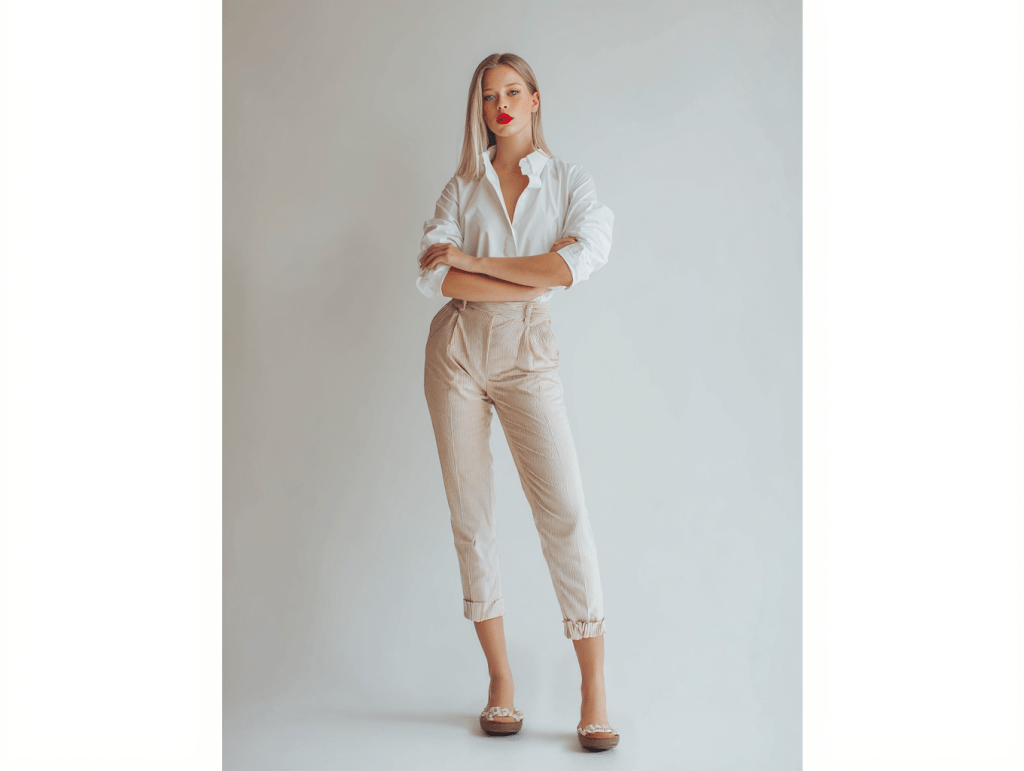
The goal was to showcase a sleek red leather sandal with a gold chain — exactly as it is in real life. A shoe that deserves to shine in a proper fashion shoot or e-shop presentation.
The mission: Create a clean, natural, modern lifestyle image featuring the sandal on a realistic model.
🛠 Tools used: Midjourney, Photoshop, Photopea, ComfyUI, Runway, DALL·E — and a solid dose of my personal obsession with detail.
And here’s where the reality of content creation kicks in:
- ComfyUI (which I love for its flexibility) gave me sandals with 12 toes, two left feet, and fantasy prints that exist on no known planet.
- The leather texture melted like plastic.
- Chains were either missing or looked like cheddar cheese.
- And the feet… let’s just not talk about the feet.
No, it’s not “click & done.”
It’s “tweak, fail, retry, repeat — until it works.”
It took clever mixing of tools (Photoshop for clean-up, Photopea for detailing, DALL·E for realism), a little creative stubbornness, and a lot of patience to finally get the result I wanted.
The final visual?
A chic model, a real product, proper styling — and the sandal actually shining as the hero of the shot.
What I’ve learned:
- Tools don’t create magic — creators do.
- Details win trust.
- The right result shows up when you keep going — even after the 10th failed render.
And now… let me enjoy this sandal for a moment. It earned it. So did I. 😅


 3Dart.Studio
Leave a comment